
.svg)
.svg)


.png)
.png)

.svg)
.svg)
.svg)
The complete guide to bulletproof LinkedIn and email automation—with zero risk of getting flagged
🎯 Why This Matters
Every platform has limits to prevent spam. Syndie manages all these automatically, but understanding them helps you optimize campaigns and choose the right account types.
✅ Key point: These are the technical details we handle—you focus on strategy and results.
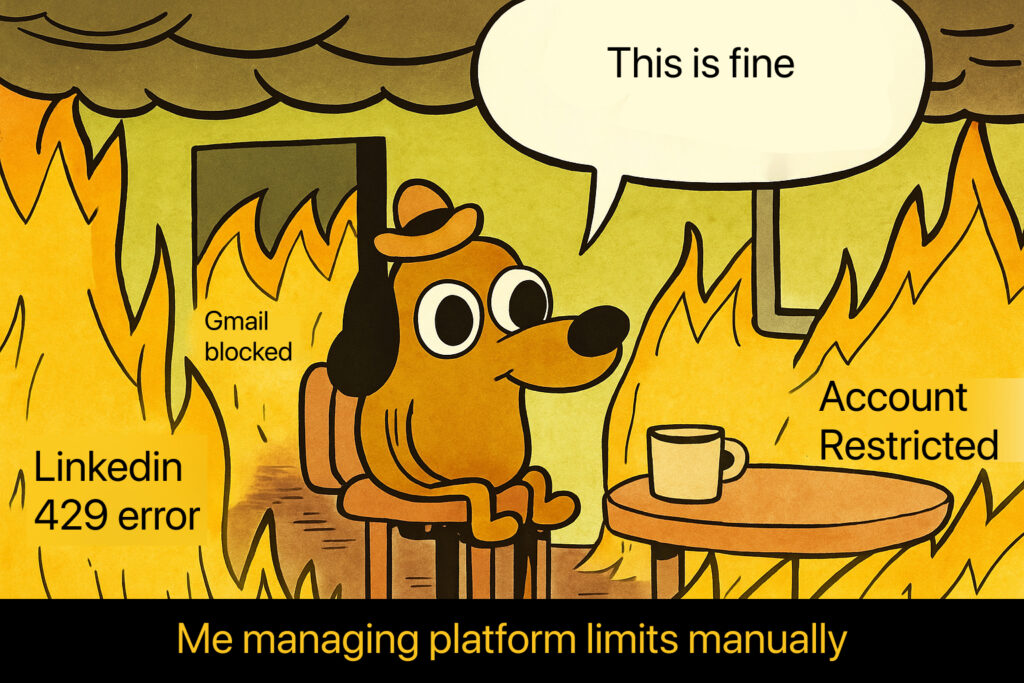
📱 LinkedIn Limits We Manage
🔗 Connection Requests
Platform Limits:
- Paid accounts: 80-100 daily, ~200 weekly (300 character messages)
- Free accounts: 15 weekly with messages OR 150 without notes
- Exceeded limit error: 422/cannot_resend_yet
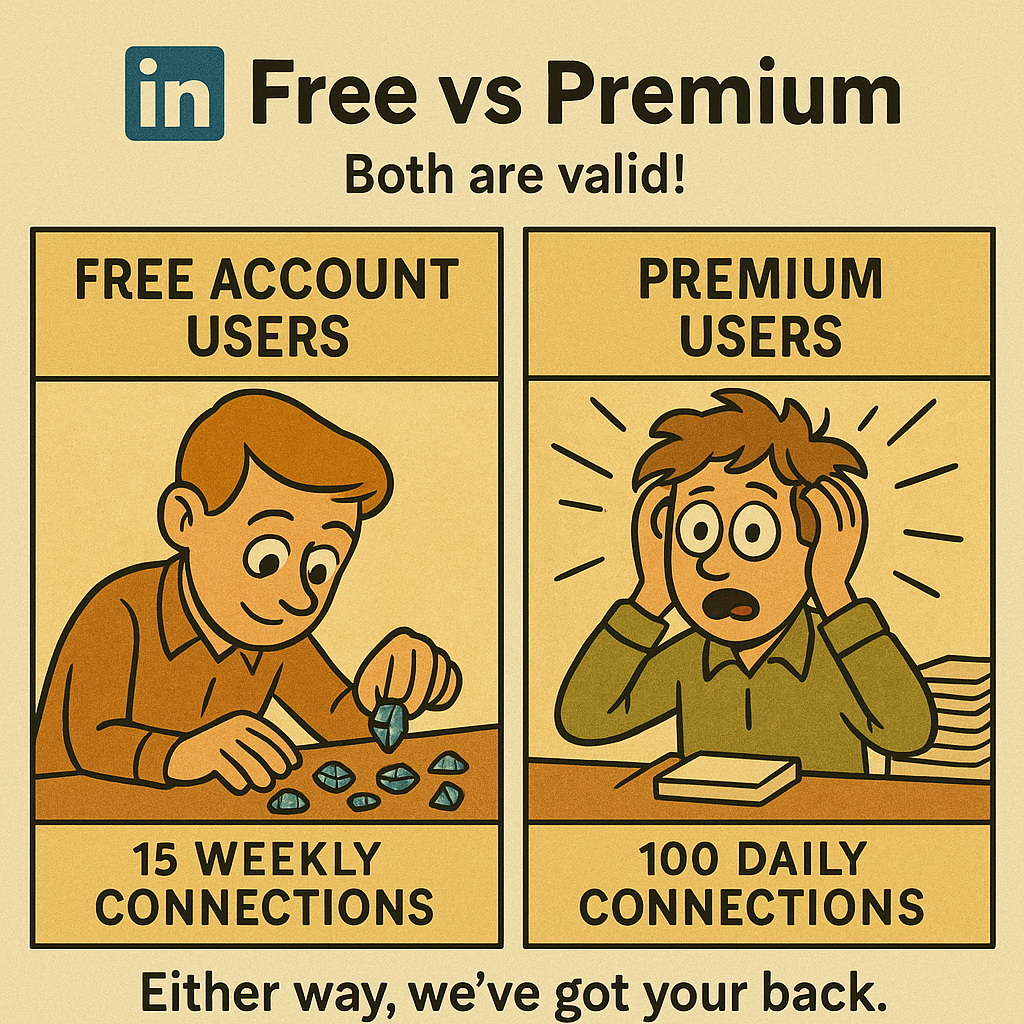
✅ What We Do: Enforce 75 daily limit, track weekly caps, validate message length, handle all errors automatically.
💡 Account Requirements: Use real accounts with 150+ connections. New/fake accounts get flagged easily.
👁️ Profile Visits & Search
Platform Limits:
- Profile visits: ~100 per day (2,000 for Recruiter Lite)
- Search results: 1,000 per day (2,500 for Sales Navigator)
- LinkedIn caps: Results limited to 1,000 displayed
✅ What We Do: Strategic visit spacing, intelligent search splitting, automatic account tier optimization.
💬 Messaging & Follow-ups
Platform Detection Risks:
- Hourly patterns = instant red flags
- Fixed schedules (8 AM daily) = automation signals
- Back-to-back actions = platform warnings

✅ What We Do: 15+ minute randomized gaps (13m24s, 16m21s, 14m47s), webhook-based follow-up detection, working hours distribution.
📧 InMail & Other Actions
Platform Limits:
- InMail allocation: 5-800+ monthly depending on subscription
- Free InMails: ~800 monthly to open profiles
- Other actions: 100 per day default (company profiles, posts, reactions)
✅ What We Do: Credit tracking, 30-50 daily InMail spacing, conservative enforcement across all actions.
🔧 LinkedIn Recruiter Special Case
Challenge: Session conflicts cause credential sharing warnings and require manual reconnection.

✅ Solutions We Provide:
- Option 1: Disable Recruiter feature (recommended if not needed)
- Option 2: Cookie-based authentication with Chrome extension support
📬 Email Platform Limits We Enforce
📊 Gmail & Google Workspace
Official Limits:
- Gmail: 500 emails/day | Workspace: 2,000 emails/day
[IMAGE PLACEHOLDER] Meme: "Expectations vs Reality" - Split image showing "Gmail says 500 emails/day" (person confidently hitting send) vs "Reality with spam filters" (same person in jail/timeout) with Syndie mascot saying "This is why we do 50-100"

✅ Our Safe Limits:
- Gmail: 50-100 daily (scalable to 150 based on performance)
- Workspace: 100-150 daily (scalable to 300 based on engagement)
- New accounts: Start 20-50, gradual weekly increases
- API calls: Distributed timing to prevent 429 errors

🚀 Advanced Strategy: Domain aliases for reputation distribution across multiple domains.
📧 Microsoft Outlook
Official Limits:
- Daily recipients: 5,000
- Per message: 500 recipients
- New contacts: 1,000 daily
✅ Our Approach: Apply Gmail-style conservative limits for better deliverability.
📮 Other Email (IMAP)
Variable limits by provider—we apply Gmail baseline for universal compatibility.
🛡️ Critical Safety Measures We Handle
⚠️ What Triggers Platform Flags:
- Regular timing patterns
- Brand new accounts used only for automation
- Volume spikes without gradual scaling
- Ignoring platform warnings
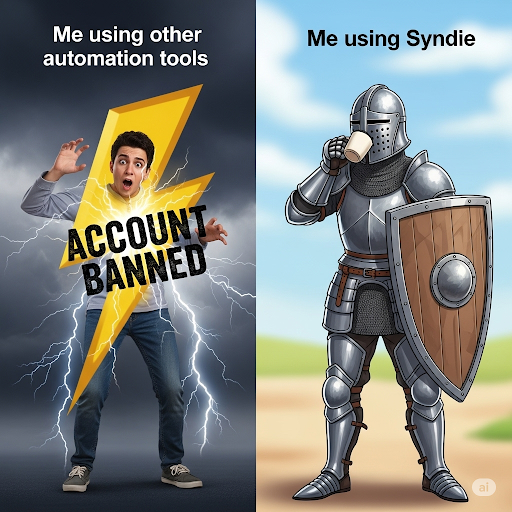
✅ How We Prevent Detection:
- Random timing across working hours only
- Conservative limits well below platform thresholds
- Gradual scaling for new accounts
- Real-time monitoring with auto-pause if needed
- Error handling for all platform responses
🎯 Your Focus vs. Our Focus

🎯 What You Control:
- Campaign strategy and targeting
- Message quality and personalization
- Account type selection (Premium, Sales Navigator, Workspace)
- Content and value proposition
✅ What We Handle Automatically:
- All platform limit enforcement
- Timing optimization and randomization
- Error handling and account protection
- Performance-based scaling
- Compliance monitoring
💡 Bottom Line

These platform limits exist and they're complex. Syndie manages every single restriction automatically so you can focus on building relationships and growing your business.
Ready to experience outreach where platform complexity is completely handled for you? Start your Syndie trial and focus on what matters: results.
Questions about any of these limits? Our team is here to help you understand the technical foundation powering your success.

.svg)

.svg)

.png)

